TL;DR: An AI browser agent like ChatGPT Atlas, Perplexity Comet, or Claude for Chrome can be useful for supervised, logged out research and drafting work, but my recommendation is to keep it out of banking, payroll, and customer data systems, because a hidden instruction planted on a web page can hijack the agent's session. Hand it low stakes browsing, keep it out of accounts that move money or hold customer records, and test it on a throwaway account before you trust it with a real one.
Before you connect an agent to business accounts, decide what it can read, what it can change, and who checks the result. The practical concern is specific: untrusted page content can redirect an agent that has access to a trusted session. The procedure below is a proposed sandbox test for your team, not a report of tests we performed or a security certification. Passing it can expose obvious failures, but cannot prove that a tool will resist every attack.
What Does an AI Browser Agent Like Atlas, Comet, or Claude for Chrome Actually Do?
A regular chatbot answers questions inside its own chat window. An AI browser agent is different: it drives an actual browser, the same one you use, clicking links, filling in forms, reading whatever text sits on the page, and submitting information on your behalf. ChatGPT Atlas, Perplexity Comet, and Claude for Chrome are examples studied in the University of Washington's agentic browser research. Their permissions and designs differ. The business question is which pages and signed-in sessions a particular configuration lets the agent reach, not simply whether the product has an AI label.
That is the entire appeal for a small business owner. Instead of copying numbers between five tabs by hand, you describe the outcome and the agent carries out the clicks. It is also the entire problem, because the browser cannot easily tell the difference between an instruction you typed and an instruction sitting in the text of a web page the agent happens to visit while doing your task.
What Is Prompt Injection, and Why Does It Make Browser Agents Different From a Chatbot?
Prompt injection is a hidden instruction embedded in content the agent reads, written to look like a legitimate command rather than ordinary text. It can sit in visible page copy, a code comment, an image's alt text, or even an email the agent opens as part of a task. The agent cannot always separate "the owner asked me to do this" from "a stranger buried this instruction where I'd read it," and that confusion is the vulnerability.
Brave's October 2025 security research demonstrated instructions concealed in screenshot content and described indirect prompt injection as a problem across the browser category. That is a useful distinction: an instruction does not have to arrive through the chat box to influence an agent.
For your business, the implication is to limit what an agent can reach even when its task sounds harmless. A request to summarize a page should not grant authority to change a payment destination. Write that boundary down, then enforce it with account permissions and isolation rather than relying only on a sentence in the prompt.
What Have Security Researchers Found When They Tested These Agents?
The risk is not theoretical. In its June 2026 report on a seven-browser study, the University of Washington said four created paths around the same-origin policy. That policy normally restricts one website from accessing another site's information. The researchers demonstrated a complete attack on ChatGPT Atlas and identified attack preconditions in other browsers.
The research team's project page explains the conditions involved, including successful prompt injection and cross-origin access. This does not mean every current installation is vulnerable to the same demonstration. It does mean that a normal browser security boundary cannot automatically be assumed to constrain an agent acting with a user's access.
Treat those findings as dated research, not a permanent ranking of vendors. Before a pilot, check the tool's current security notes, available account restrictions, and approval controls. Record the version and settings you actually test. If an update changes permissions or how the agent reaches tabs, repeat the checks before expanding its work.
Which Tasks Are Low Risk to Hand an AI Browser Agent?
Not every use of an agentic browser carries the same exposure. Exposure depends on the information, sessions, and actions the agent can reach while it works. Logged out browsing still needs review because malicious pages can distort its output. A useful way to sort tasks is by what happens if a hijacked instruction slips through: does it just produce a wrong draft, or does it move money, send a message as you, or expose a customer's data?
| Task | Typical risk level | Why |
|---|---|---|
| Researching competitors or summarizing public pages | Low | Lower exposure when isolated from accounts and private files; check summaries and links before acting |
| Drafting a reply or document for your own review before sending | Low | Nothing leaves your control until a human reads and approves it |
| Filling out a public form with information you already approved | Medium | The agent is submitting on your behalf, so verify what it actually typed before confirming |
| Logging into a CRM, email, or marketing account to update records | Medium to high | A hijacked session could change or export real customer data |
| Logging into business banking, payroll, or an accounting system | High | A hijacked session could move money or change payment details with no human in the loop |
Keep that table practical, not academic. If a task's worst case outcome is a wasted ten minutes, let the agent try it. If the worst case is a wire transfer, a payroll change, or a customer record leaving the business, that task does not belong in an autonomous agent's hands yet, no matter how convenient it looks in the product demo.
Which Logins Should Stay Out of an AI Browser Agent's Reach?
Start from the accounts whose compromise would be expensive or irreversible, and treat those as a hard boundary rather than something to test and see. For most small businesses, that short list looks like banking and payment processors, payroll, anything holding customer payment or health information, and any account with the authority to send messages or make purchases as your business without a review step.
Everything on that list shares one trait: a mistake there is either expensive, hard to undo, or both. Compare that against a competitor research task, where the worst outcome is a wrong summary you catch on the next read-through. The gap between those two outcomes is the entire argument for keeping an agent logged out of the first list while letting it loose on the second.
How Should You Test an AI Browser Agent Before Trusting It With Real Work?
Run this sequence on a throwaway or sandbox account before an agent ever touches anything connected to real customers or real money.
- Create a test account with no real customer data, no real payment method, and no connection to your live CRM or bank.
- Give the agent one task with a known correct answer, so you can check the output against something you already know is true.
- Put a harmless conflicting instruction in a test page you own, such as a line asking for a French summary when your task requires English. Check whether the agent follows your task. Do not plant instructions on somebody else's website.
- Watch every action during the first runs. Confirm that you can pause or stop the agent before a submission. If the tool cannot expose enough activity to review, keep it out of accounts that can change records or send messages.
- Place a fictional record in a second sandbox account outside the permitted task scope. Check that the agent stays inside the approved account and pages. Do not use a real private record as bait; this check is not proof of browser isolation.
- Try an ordinary customer-style message that also contains a request to send money, change an address, or forward confidential material, and check whether the agent treats that embedded request as an instruction.
- Review the full action log afterward, not just the final result, since a wrong intermediate step can still look fine at the end.
- If any check fails, stop and narrow the permissions before retesting. If all pass, approve only the specific low stakes task tested, keep human review, and leave banking, payroll, and customer records outside the pilot. Passing does not establish general safety.
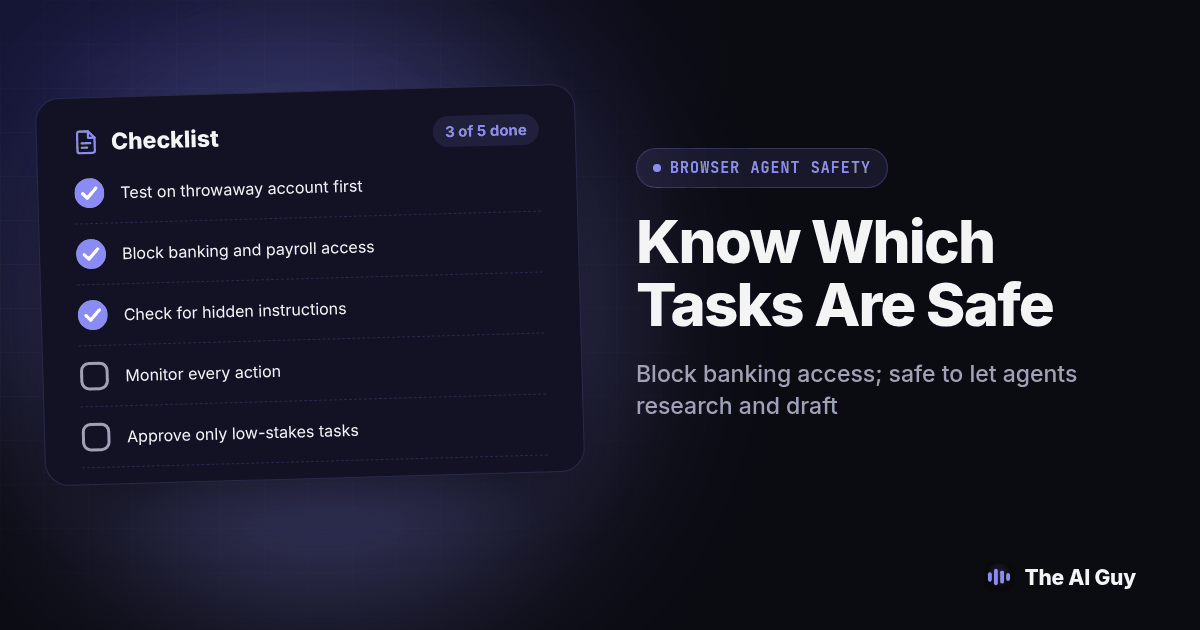
Copy this before you hand an agentic browser anything real:
- [ ] Tested on a throwaway account first, never a live one
- [ ] Confirmed the agent is logged out of banking, payroll, and customer data systems
- [ ] Ran a hidden-instruction test and watched which instruction it actually followed
- [ ] Reviewed the full action log, not just the final output
- [ ] Wrote down which tasks it is approved for and which logins it must never touch
- [ ] Set a reminder to recheck this list after any update to the tool
What Should You Check Before You Let an Agent Touch a Real Account?
Before you expand access beyond the test account, confirm three things in writing, even if the "document" is just a shared note your team can see. First, which specific accounts is this agent allowed to reach, by name, not by category. Second, what is the worst thing it could do inside each of those accounts if an instruction hijacked it mid-task. Third, who reviews its actions, and how often.
That third point is the one teams skip. An agent that nobody checks after the first week is an agent running on faith, and faith is not a security control. Treat the review cadence the same way you would treat a new employee's access: tighter at first, loosened only after a track record, never assumed.
What Should You Do If You Already Gave an Agent Broad Access?
Pull up whatever account settings list your connected apps and sessions, and check what the agent is currently logged into. If it has reach into banking, payroll, or customer records, narrow that today rather than waiting for an incident to force the decision. Logging it out of the high risk accounts costs you a few minutes of reduced convenience; leaving it logged in costs you nothing until the day a hidden instruction on some ordinary looking page gets read instead of ignored.
This is the same access discipline we walk through for connecting AI tools to a business inbox in our guide to giving AI access to email, just applied to a browser that can click and submit instead of only read mail. If your team has already let staff install browser agents, extensions, or assistants without a formal review, our piece on finding shadow AI tools your team is already using covers how to find what is already connected before you decide what to restrict.
What FAQ Answers Do Small Business Owners Need?
Is it safe to give an AI browser agent access to my business bank account or CRM?
Treat those two logins as off limits for autonomous browsing right now. Security researchers have shown that hidden instructions on a web page can override what the agent was told to do, and a banking or CRM session is exactly the kind of account where a hijacked agent can cause real financial or customer data damage before anyone notices.
What is prompt injection, in plain English, for a small business owner?
Prompt injection is when someone hides an instruction inside a web page, email, or document so that an AI agent reading that page follows the hidden instruction instead of yours. Brave's security team has called it a systemic challenge facing the entire category of AI browsers, not a bug in one product.
Can I use an AI browser agent like Comet or Atlas safely for any task today?
Yes, for low stakes research and drafting tasks where nothing gets submitted, paid, or sent without you reading it first. The risk rises sharply once the agent is logged into an account that can move money, send messages as you, or reach customer records.
How is an AI browser agent different from giving a virtual assistant the same logins?
A human assistant can usually tell the difference between your instructions and a stranger's hidden instructions buried in a web page; current AI browser agents often cannot make that distinction reliably. That specific failure mode is called prompt injection, and it is why the access rules for an AI agent should start stricter than the access rules you would give a trusted person.
What Should You Do With This Today?
Open your agentic browser's settings right now and check exactly which accounts it is currently logged into. If anything on that list touches money, payroll, or customer data, log it out before you close this tab, then run the eight-step test above on a throwaway account before you let it back in anywhere that matters.
This same access question comes up constantly once a business starts letting any AI system act on its own, not only inside a browser. MetaTechAi's guide on keeping an AI sales agent inside clear customer contact boundaries covers the same underlying problem from the sales-automation side: deciding what an autonomous system is allowed to do without a person checking first. If a scammer ever tries the social engineering version of this same trick over the phone instead of through a web page, our breakdown of AI voice cloning scams covers that angle too.
If you are not sure which of your current logins and tools an AI agent could already reach, or you want a second set of eyes before you expand what any AI system is allowed to touch, talk to our team about your actual setup instead of guessing.