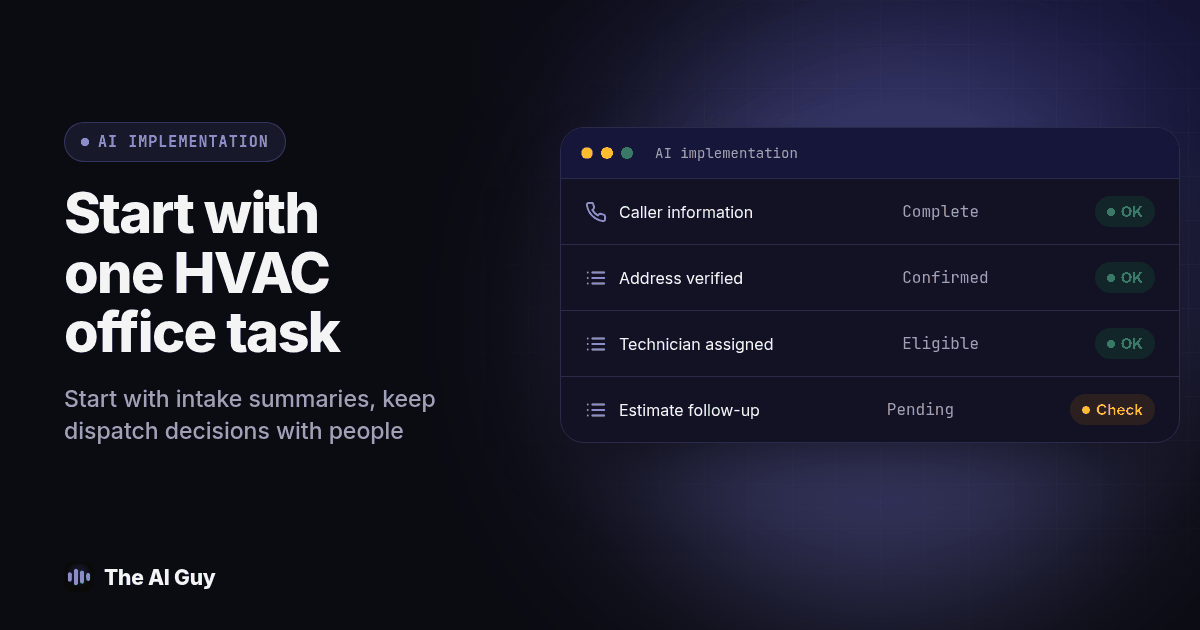
Start an HVAC AI rollout with one office task you can inspect, such as turning service inquiries into a dispatcher review queue. Keep equipment diagnosis, final prices and urgent dispatch decisions with accountable people until your own tests justify a wider role.
My recommendation is to treat AI as an apprentice inside your operating process. Give it a defined assignment, approved information and a clear point at which it must stop. The plan below is a suggested implementation method, not a claim that any particular tool will increase booked jobs.
Which HVAC task should you automate first?
Choose the task whose errors your office can catch before a customer acts on them. I would usually evaluate inquiry summaries before autonomous scheduling, and draft estimate follow up before automatic price negotiation. Start by watching how one request moves from the telephone or website to the dispatch board. Write down every place someone asks another person for missing information.
Use actual records to distinguish different problems. An unanswered inquiry, an incomplete address, an unavailable technician and an unsent estimate require different fixes. Do not buy a calling system because the real problem is that nobody owns the estimate queue. If you need a broader selection method, use the guide to choosing an initial automation task.
For the first pilot, name one office employee as the reviewer and one manager as the decision maker. Pick a category such as routine maintenance requests inside your normal territory. Exclude emergency dispatch, disputed invoices and unfamiliar equipment from automatic action. Write those exclusions into both the instructions and the permissions of the connected software.
This approach is an application of the voluntary NIST AI risk framework, which addresses risks across AI design, use and evaluation. The specific workflow boundaries here are my recommendations for an HVAC office, not a certification from NIST.
What information should AI collect from a service inquiry?
Design the intake record around what the dispatcher needs to decide next. My suggested fields are the caller's name, callback number, service address, reason for calling, preferred availability, existing customer status and any access instructions. Separate what the caller said from what the assistant inferred. A customer describing warm air should remain a customer description, not become a diagnosis in the work order.
Require confirmation of the service address and callback number before creating a customer facing commitment. When the caller changes an apartment number, preserve the corrected value and mark the earlier one as superseded. For a returning customer, ask staff to resolve conflicting records instead of letting the assistant silently combine households with similar names.
Build an approved response library for service territory, office hours, appointment categories and the process for reaching a person. Include an owner and revision date on each policy. Avoid feeding the system a folder of old promotions without identifying which offers remain approved. The business information training guide explains how to organize that source material.
For equipment questions, instruct the assistant to record the request and route it. EPA rules require certification for technicians performing specified work involving refrigerants, as explained in the Section 608 certification guidance. A polished AI explanation should never be treated as authorization to perform that work. Have your technical supervisor approve the boundary between administrative answers and technical advice.
How should scheduling and dispatch permissions work?
Begin with proposed appointments. Let the assistant suggest an eligible window from the approved calendar, but have the dispatcher confirm the assignment during the pilot. Define a successful booking as a record that exists in the scheduling system with the correct customer, location, service category and assigned capacity. Spoken confirmation alone is not enough for acceptance.
Keep travel time, territory, job type and technician availability in the scheduling rules. Ask your dispatcher to create examples where an apparently empty calendar slot is unsuitable. One might involve a long journey between service areas; another might require a skill that the available technician does not have. These are hypothetical test cases, not claims about your current operation.
Decide what happens when the calendar cannot be reached. My preferred fallback is to record a request and tell the caller that staff will confirm availability. Do not let a timeout turn into a guessed appointment. Use different internal statuses for requested, held, confirmed, rescheduled and cancelled so the office can identify incomplete work.
For urgent situations, use an escalation procedure approved by your business and qualified advisers. The assistant should recognize when to hand off, avoid improvising safety instructions and explain the next step accurately. Test the on call route when the intended employee does not answer. A transfer attempt should not be logged as a successful handoff unless someone actually accepts it.
Where can AI help with estimates and follow up?
I would start with an internal list of estimates awaiting action. Ask the system to assemble the estimate identifier, issue date, assigned employee, last customer interaction and any promised follow up date. Have the employee verify that list before sending messages. Missing information should produce a task, not an invented reason to contact someone.
Use AI to draft a short, specific question about the existing estimate. Keep equipment selections, discounts, financing terms and final amounts tied to approved documents. If a customer asks to change the scope, route the request back to the estimator. Do not allow a conversational assistant to revise a signed proposal by implication.
Before enabling outbound AI voice campaigns, review the applicable calling rules. The FCC classified AI generated voices within the TCPA's artificial or prerecorded voice restrictions in its 2024 declaratory ruling. Consent requirements depend on the call and circumstances. Have counsel review the intended audience, purpose, consent evidence and relevant state requirements before you automate outreach.
Treat a maintenance reminder and a new sales promotion as separate campaign designs. A past purchase should not become a blanket permission flag in your database. The FTC telemarketing guide explains calling restrictions and do not call obligations. Translate the requirements applicable to your campaign into actual controls, then test them with staff owned numbers.
How should you handle reviews and office operations?
For review requests, create a consistent rule for eligible completed jobs and a neutral message. Do not ask the assistant to predict who will leave a positive review and exclude everyone else. The FTC's review solicitation guidance warns against asking only people expected to leave positive reviews. Ask for an honest account of the customer's experience.
Keep public responses under human review at first. Supply the actual complaint and approved response policy, then check that the draft does not disclose private customer information, invent a resolution or promise a refund the office has not authorized. If the facts are disputed, assign someone to investigate before replying publicly.
For internal work, consider summarizing technician notes, preparing purchase requests and organizing invoice questions. Require links back to the original job record or document. An assistant should identify unreadable text and conflicting quantities as unresolved. It should not convert uncertainty into a completed checklist just because a manager requested a tidy summary.
Choose one such task after the initial pilot is stable. Use the method for measuring AI time savings to include review and correction time. A faster draft that creates extra calls to the technician may be a poor trade. Measure the complete office task rather than the time taken to generate the first answer.
What should your HVAC pilot test include?
Use fictional customer records and staff controlled contact details for the first rehearsal. The following is a proposed acceptance procedure. Adapt the scenarios to your service policies and require a written result for each one.
- Map a normal maintenance inquiry from arrival to dispatcher approval. Record the exact fields the assistant may read and the fields it may change. Give the reviewer a copy of the expected record before testing.
- Submit a request with a corrected address, an unclear equipment description and an unavailable preferred window. Check that the assistant preserves uncertainty and asks for clarification instead of manufacturing a complete record.
- Run a scheduling collision by having a staff member take the offered slot before confirmation. Verify that the assistant checks availability again and presents a new choice or requests staff help.
- Simulate an urgent inquiry and an unanswered escalation. Check the approved language, the staff notification and the unresolved task. Fail the test if the log implies a person accepted a transfer that nobody answered.
- Change the status of an estimate while a follow up is pending. Confirm that the next action reads the current status and does not continue an outdated sequence after acceptance or a stop request.
- Disable a connection and repeat the ordinary inquiry. Confirm that the caller gets an accurate explanation, the office retains the request and restoring the connection does not create duplicate jobs.
- Have the dispatcher reconcile every test record against its source. List corrections, owner, retest date and launch decision. Expand access only after the failed scenarios have been repaired and repeated.
Save the test set. When you change a prompt, calendar integration or intake form, rerun the affected examples. Keep an unchanged example in the set too, so a fix to one path does not quietly damage the normal request.
How should an owner choose tools and approve a rollout?
Ask vendors to demonstrate your scenarios using the systems your office already uses. Request an explanation of permissions, record retention, export options, connection failures and who supports the integration after launch. Compare the work required from your dispatcher, not just the fluency of a demonstration call.
For a calling component, RizzDial's voice agent offering is one option to evaluate; its public page describes automated qualification and appointment booking. Treat those descriptions as features to verify in your workflow. A phone tool should fit the dispatch and estimate process you selected, rather than determine the whole project.
Prepare a launch sheet containing the task owner, eligible requests, excluded requests, approval rules and pause procedure. Record the subscription and usage costs privately alongside staff review effort. Choose your own acceptance thresholds before seeing the results, and include failed transfers, inaccurate records and customer corrections as reasons to pause.
Start with a limited queue while staff remain available to review it. Widen the scope only when the office can explain what happened to every request. If you want help defining that first assignment, contact James about an implementation review with a redacted example of the current intake record, scheduling process and unresolved office task.
What do HVAC owners ask in this AI FAQ?
Should my first HVAC AI project answer the phone?
I would choose phone intake first only when the office can review the resulting records and handle exceptions. If estimate administration is the clearer problem, start with an internal estimate queue instead.
Should AI decide which technician gets an urgent job?
My recommendation is to keep urgent dispatch decisions with your designated staff. Use the assistant to collect the approved information and follow a tested escalation procedure with an explicit unanswered handoff path.
What should happen when the scheduling system is unavailable?
Have the assistant save a request for staff confirmation and clearly describe it as unconfirmed. Test recovery so reconnecting the calendar cannot silently duplicate the original request.
How should I decide whether to expand the pilot?
Review completed records, correction effort, unresolved exceptions and the total cost of the task. Expand only after your team can meet the acceptance conditions written before the pilot began.